That thing you explained
so well last week…
Bring your notes.
Paste them, or upload a TXT, Markdown or Word file of up to 20,000 characters. Rough is fine.
 MakeMyCarousel✳Try it free ↗
From rough notes to a finished carousel in minutes. MakeMyCarousel plans every slide in your words, one point each, then illustrates it.
You check the plan before any image is made.
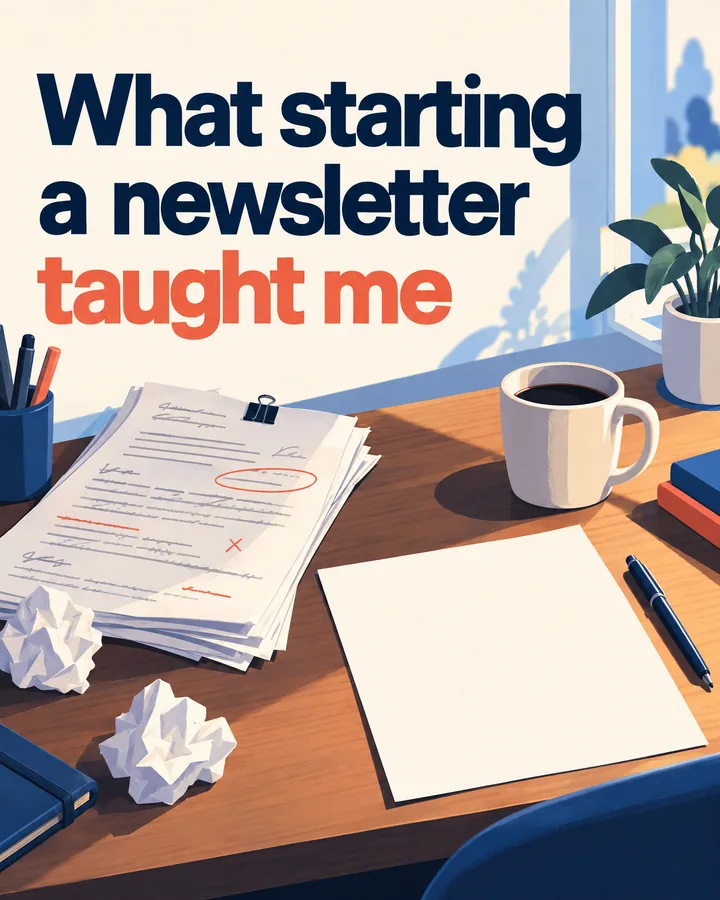
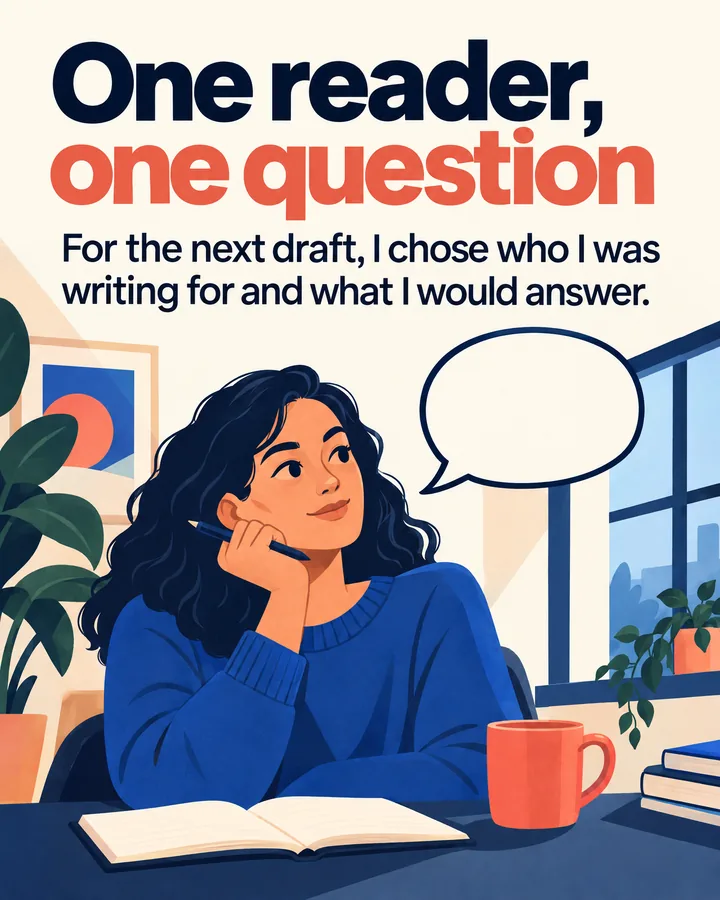 Actual output · see the notes it came from ↓
You bring what you know. MakeMyCarousel plans the slides, illustrates them and makes the files.
Paste them, or upload a TXT, Markdown or Word file of up to 20,000 characters. Rough is fine.
Each slide gets one point, in your words, and nothing is repeated. Change a line if you like, or just click Next. Slide plans are free.
Choose one of six named looks, describe your own, or use your brand kit’s colours and logo.
Every slide is illustrated to match its plan. Download a PDF for LinkedIn or PNG slides for Instagram.
The actual notes, slide plan and slides from one run with the Editorial illustration look, with no edits.
Results vary, so check every slide before you post.
Fictional example notes: what I learned while starting a newsletter.
My first draft tried to cover too many topics. I kept adding sections because I wanted every reader to find something useful, but the main point became hard to follow.
For the next draft, I chose one reader and one question to answer. I removed the sections that did not help explain that question and used a simple example from my own experience.
Before sending it, I read it aloud and asked a friend which sentence they would remember. Their answer helped me make the opening clearer.
My lesson: a focused issue is easier to write and easier to understand. Start with one useful idea, explain it clearly and end with a small next step.
Call to action: save these notes for the next time you face a blank page.
Each slide makes one point, and all seven come from the notes. Nothing was added.
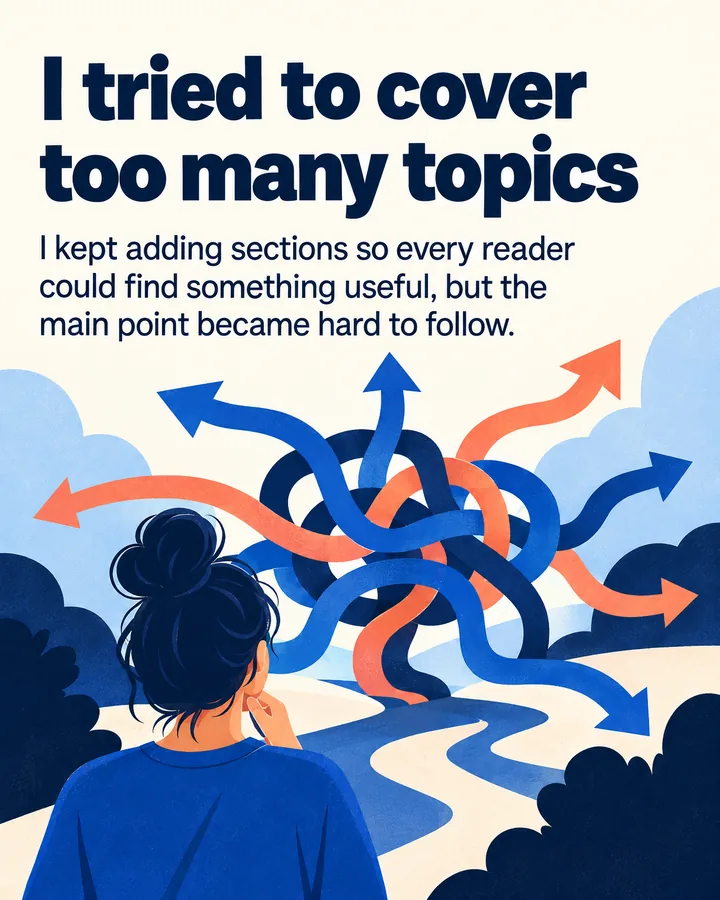
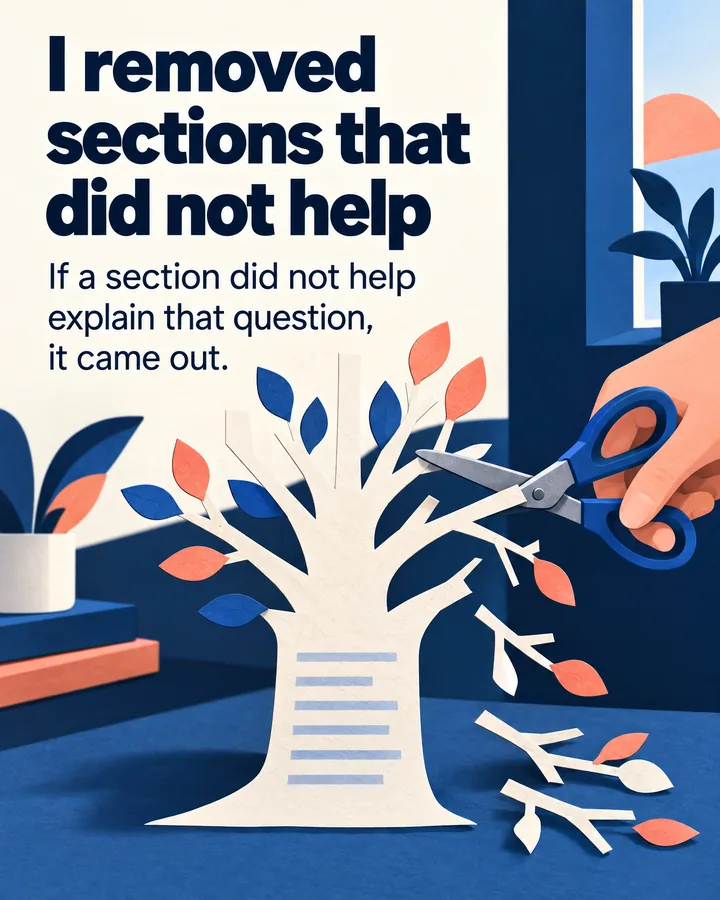
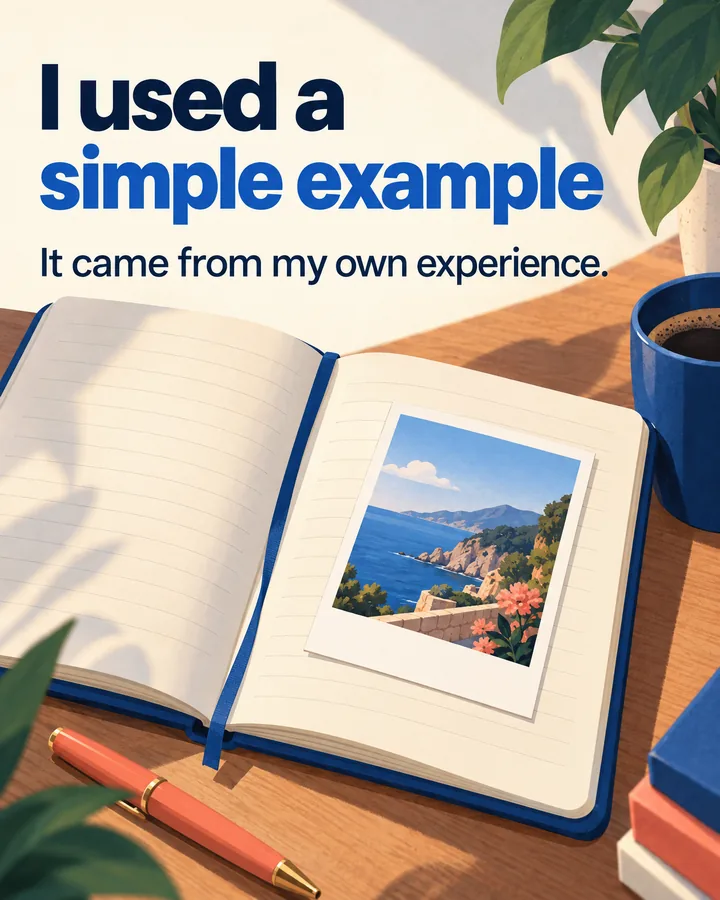

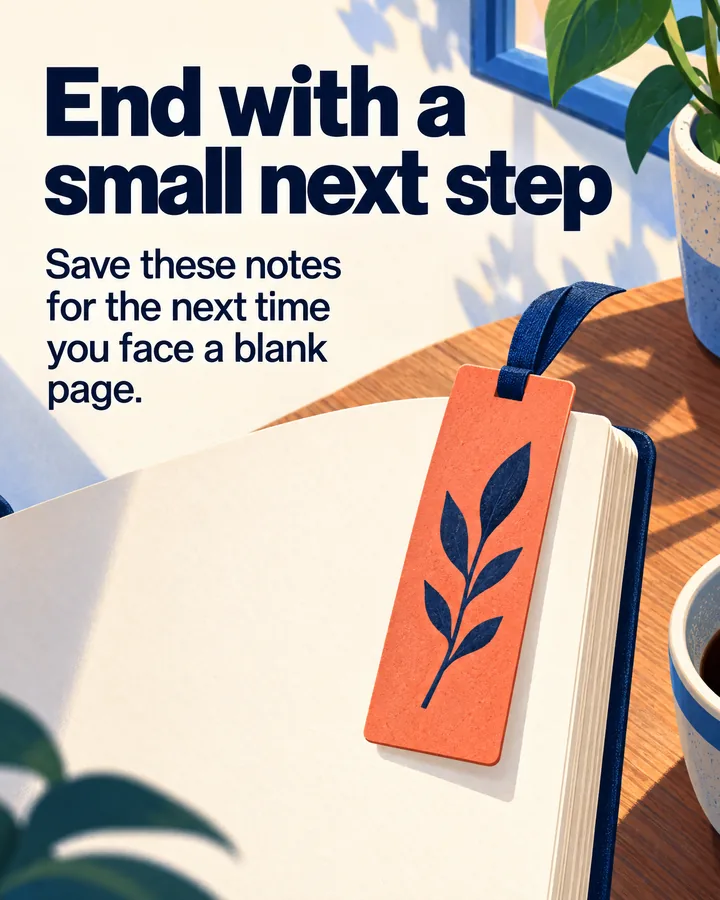
Each slide is one complete image: the words, the illustration and the layout, made together.
Brand kits add your colours, logo and headshot.
Warm, modern illustrations with clear, friendly type.
Plenty of white space, crisp type and one accent colour.
Big type, strong colour blocks and high contrast.
Friendly marker sketches and doodles on paper.
Realistic photo scenes with clean text panels.
Deep backgrounds, light type and a glowing accent.
Write a sentence about the style you want.
With “Stick to my notes” on, the plan uses only what you wrote and keeps your own phrasing where it can. Turn it off for a short idea, and anything the AI adds is marked as an AI suggestion, so you can check it before a single image is made.
Plan your first carousel ↗Prices include VAT. Slide plans never use a carousel;
a carousel only counts once its slides are made.
One five-slide preview every 30 days.
10 carousels a month, about £1.50 each.
30 carousels a month, about £1.30 each.
Unused carousels don’t roll over. Starting a carousel reserves one from your allowance, and a failed attempt gives it back. Slide plans, plan edits, captions and downloads never use one. If you upgrade, you can export your free preview without making it again.
Paste your notes or upload a TXT, Markdown or Word document of up to 20,000 characters. Rough is fine: meeting notes, a newsletter draft, a talk outline or a list of lessons.
Before any image is made, MakeMyCarousel writes a plan: a headline, a little body text and an illustration idea for each slide, with one point per slide and nothing repeated. You can edit any line, reorder, add or remove slides, or just click Next. Slide plans never use a carousel.
“Stick to my notes” is on by default for longer notes and uploads. The plan then uses only your material and keeps your phrasing where it can. With it off, anything the AI adds is marked as an AI suggestion in the plan. Always check names, numbers and claims before you publish.
Yes. Edit the words on a slide or describe the change you want, and MakeMyCarousel makes a new version of that slide for you to accept or discard. Each paid carousel includes 3 image edits. Captions and slide order can change any time without using one.
After you verify your email, you can make one five-slide preview in the look you choose every 30 days, with a watermark, plus ten slide plans. No card required. If you upgrade, you can export that preview without making it again.
A multi-page PDF for LinkedIn document posts, a ZIP of PNG slides for Instagram, or a JPEG of the first slide. Portrait slides are 1080 × 1350 and square slides 1080 × 1080. Exports stay available for 90 days; new exports need an active paid plan.
Starting a carousel reserves one from your allowance, and it only counts once the slides are made. If creation fails, the reservation is released. If the result is uncertain, we hold it while we check rather than charging you twice.
Yes, prices include VAT. Payments are handled by Stripe, which also takes care of sales tax. You can cancel any time from your account and keep your plan until the end of the period you paid for. Unused carousels don’t roll over.
No. You download the finished files and post them yourself. MakeMyCarousel does not connect to your social accounts.
MakeMyCarousel is a personal workspace. Studio gives you three times the carousels, and both plans hold up to ten brand kits, one per client if you like. Neither adds shared seats or approvals.
Good ideas, beautifully told.
✳